Build without help
Drag fields into place and set the rules with plain menus. No code, no IT ticket.
Drag and drop any form your team needs. When someone submits it, the right record is created or updated without anyone retyping a thing.
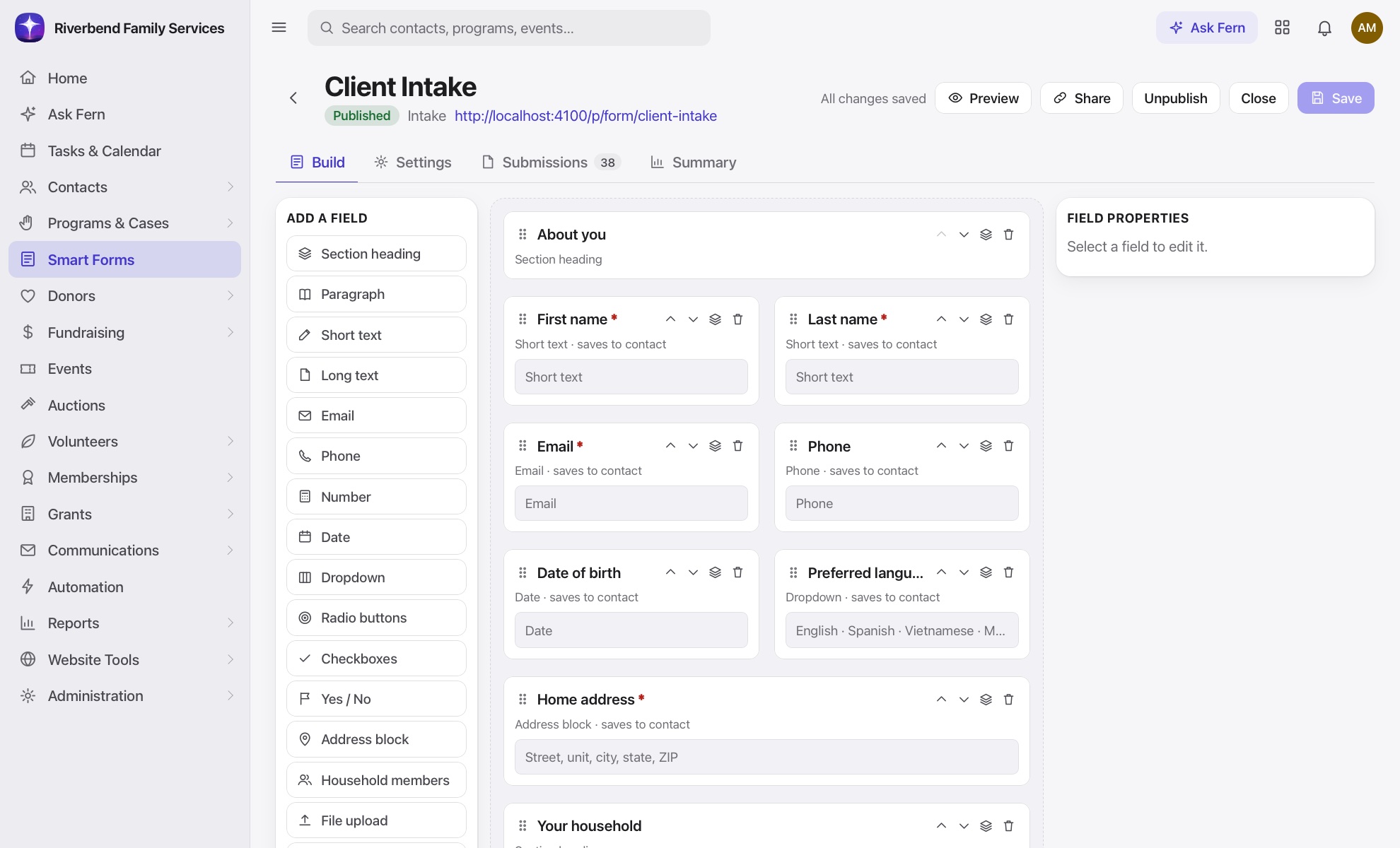
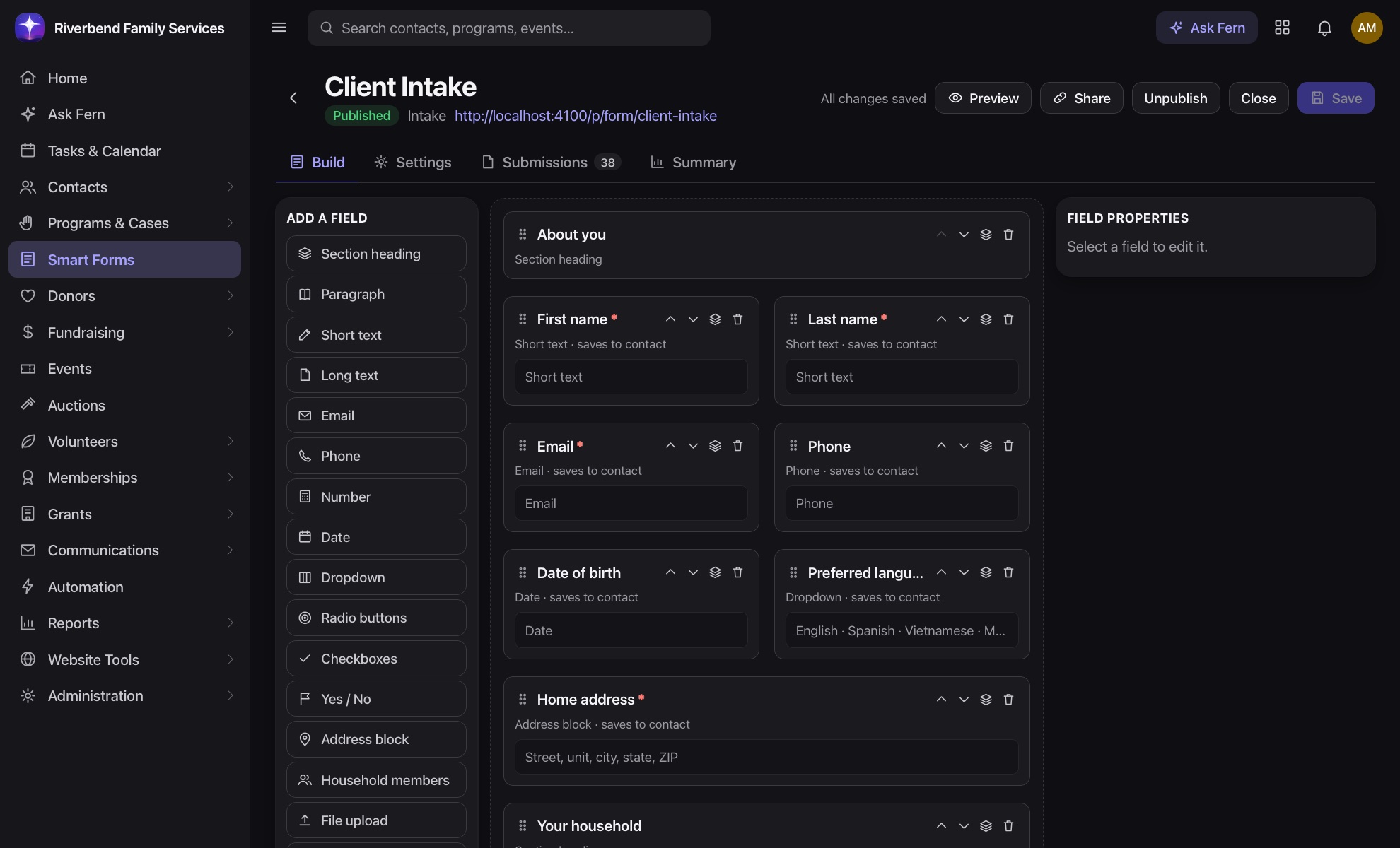
Drag fields into place and set the rules with plain menus. No code, no IT ticket.
Answers map to your contact fields, so submissions update records on their own.
Send a link, or embed the form on your own website with one line of code.
Conditional logic shows each person just the questions that apply to them, and calculated fields do the math as they type.
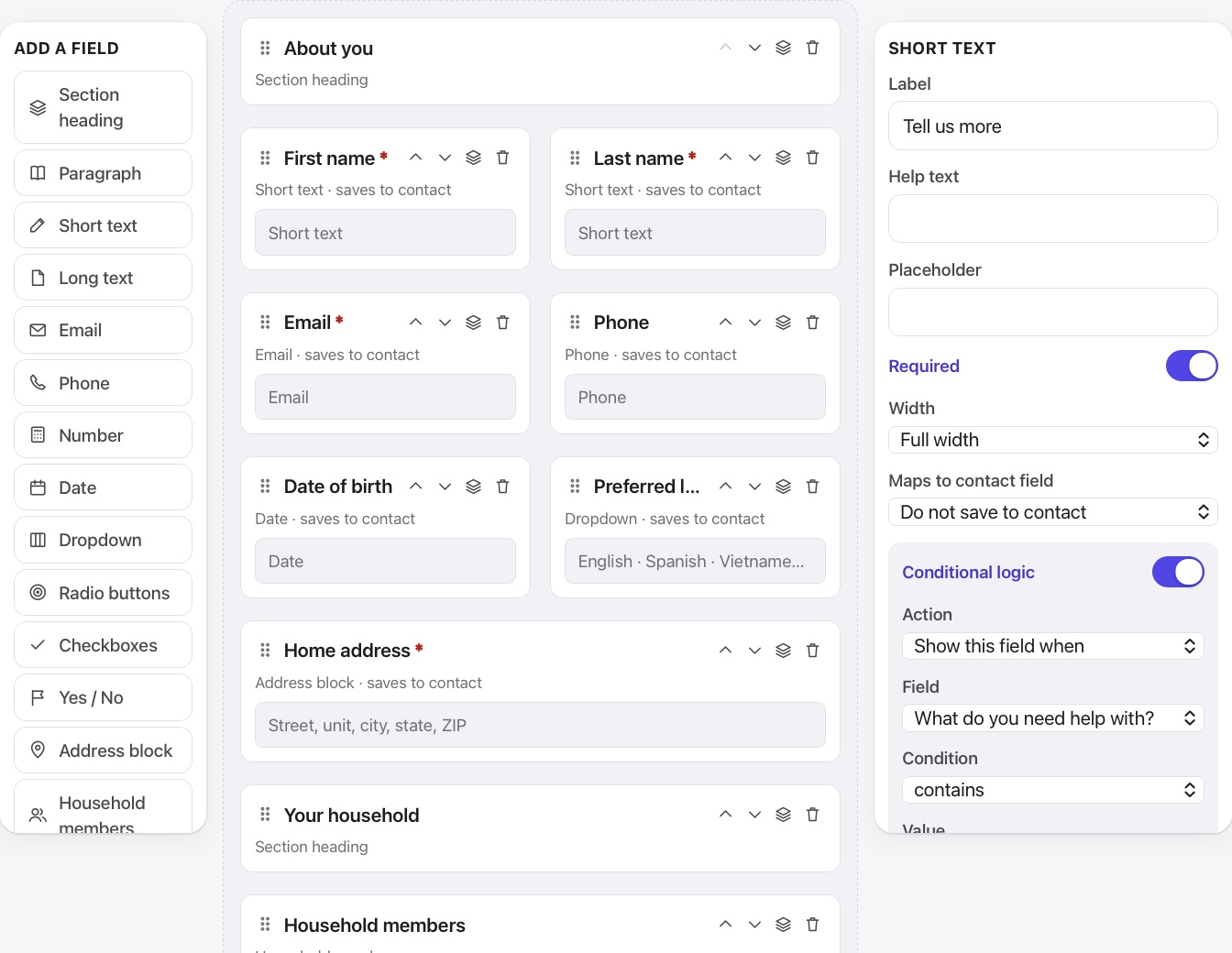
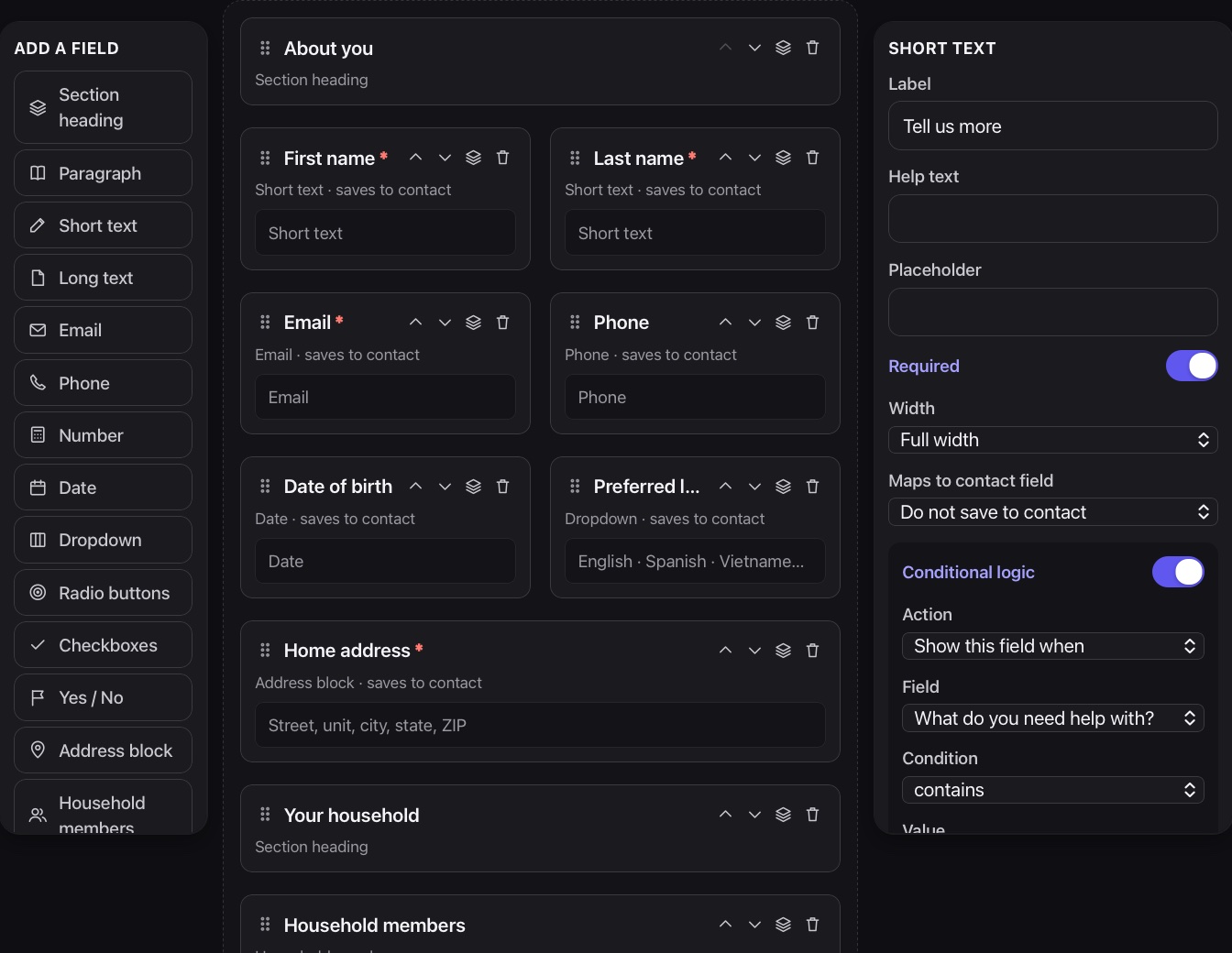
Collect signatures, waivers and documents in the same form, so nothing arrives by email or gets lost in a folder.
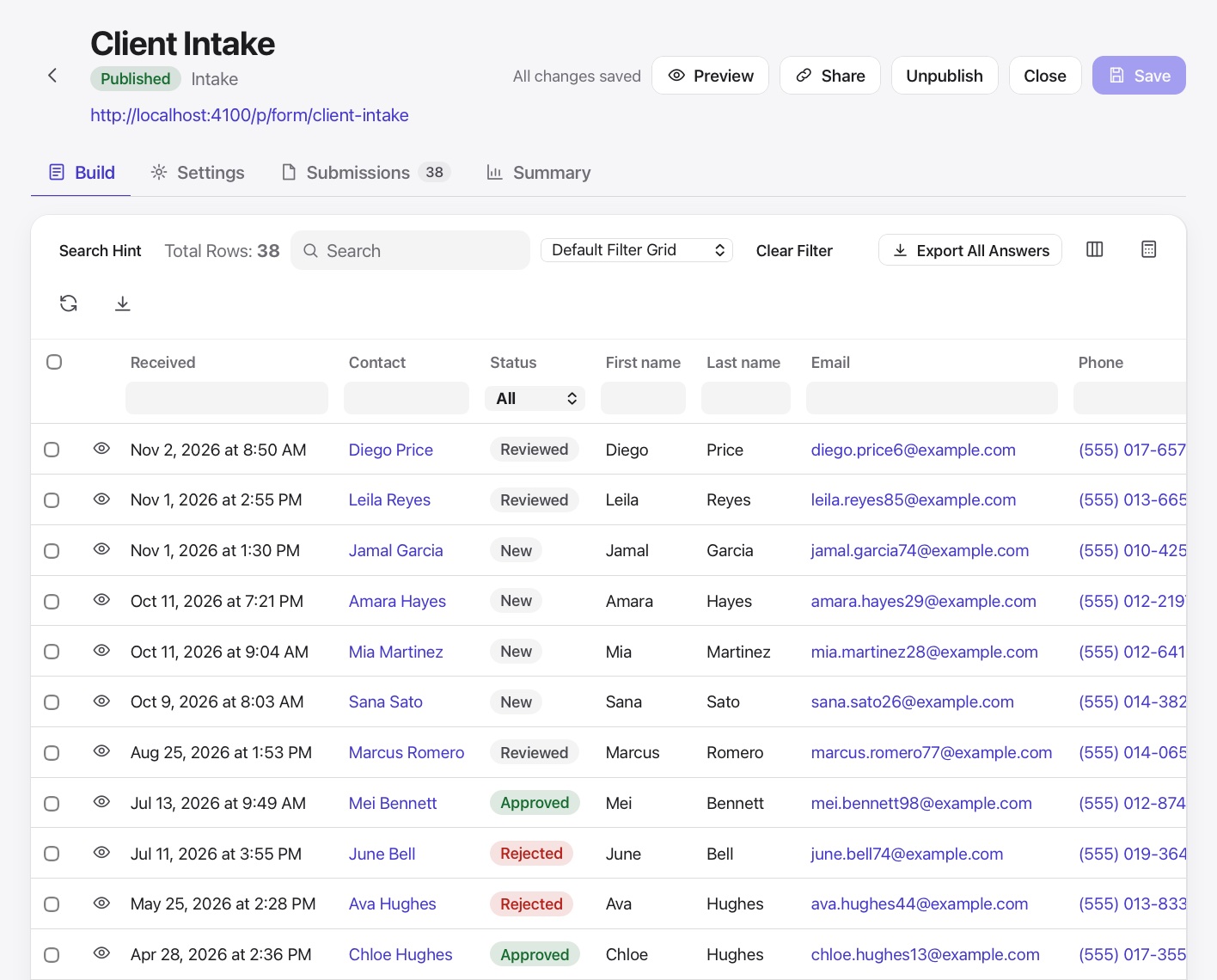
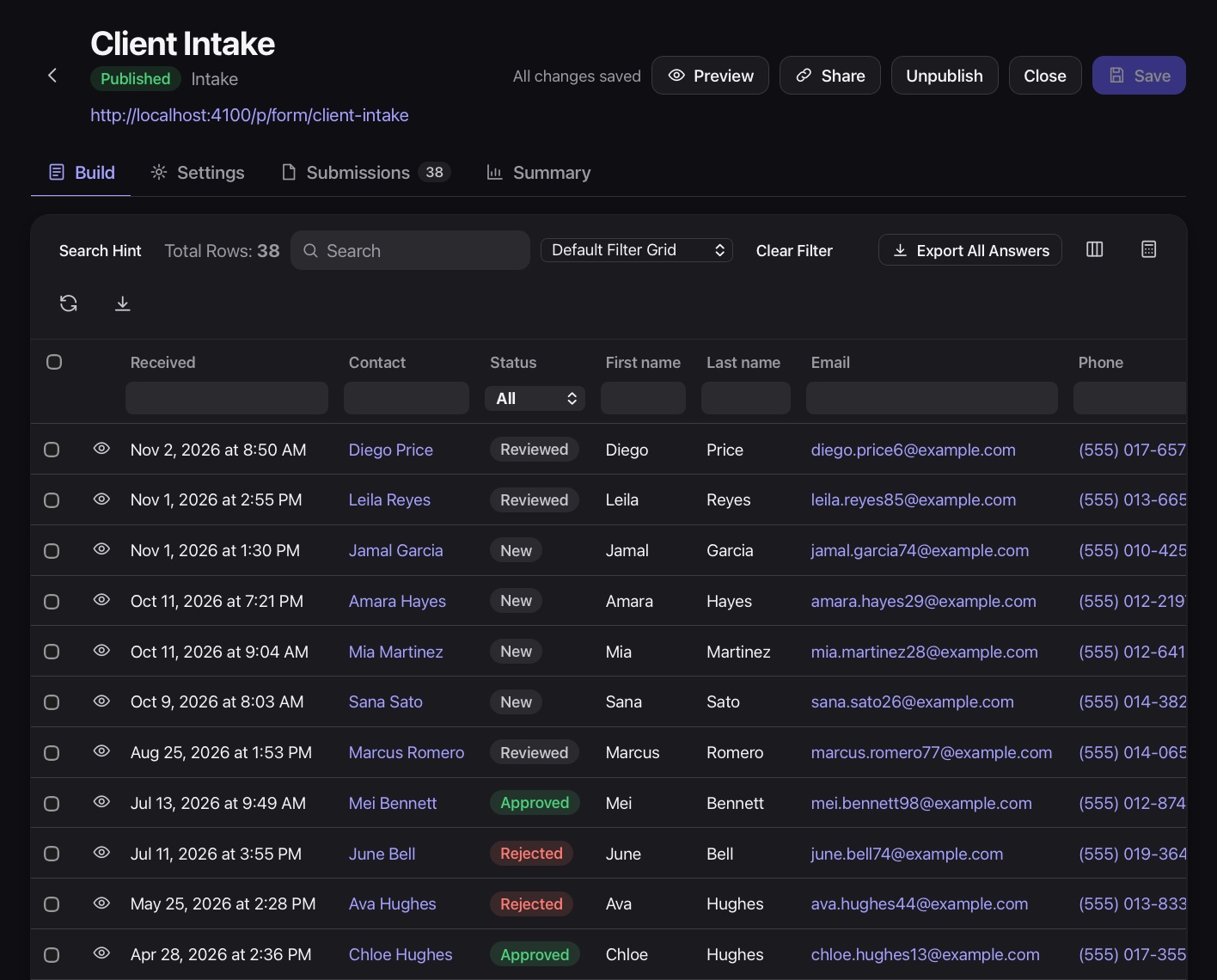
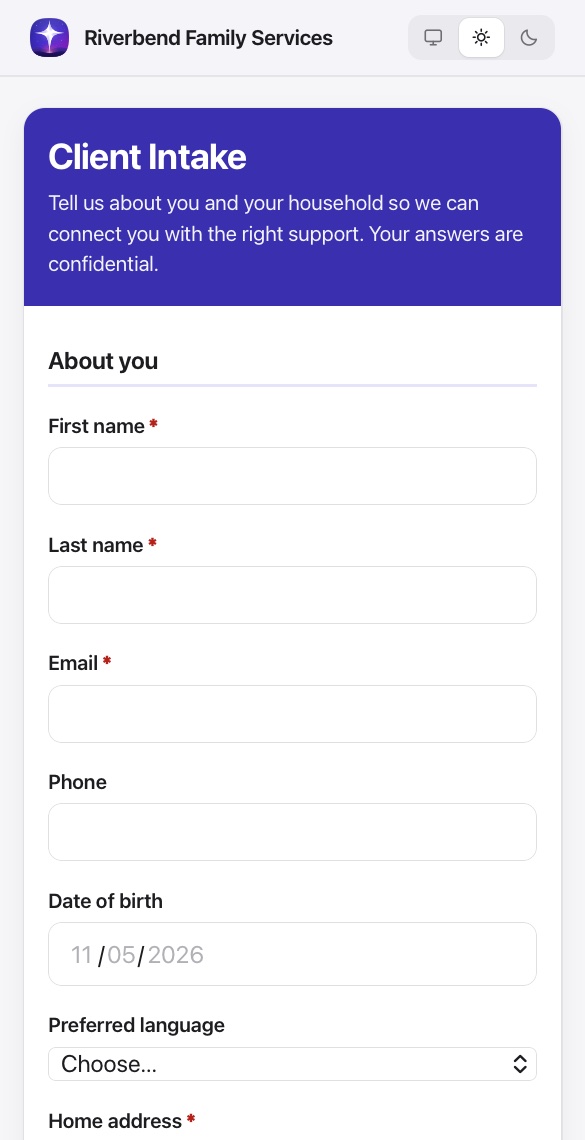
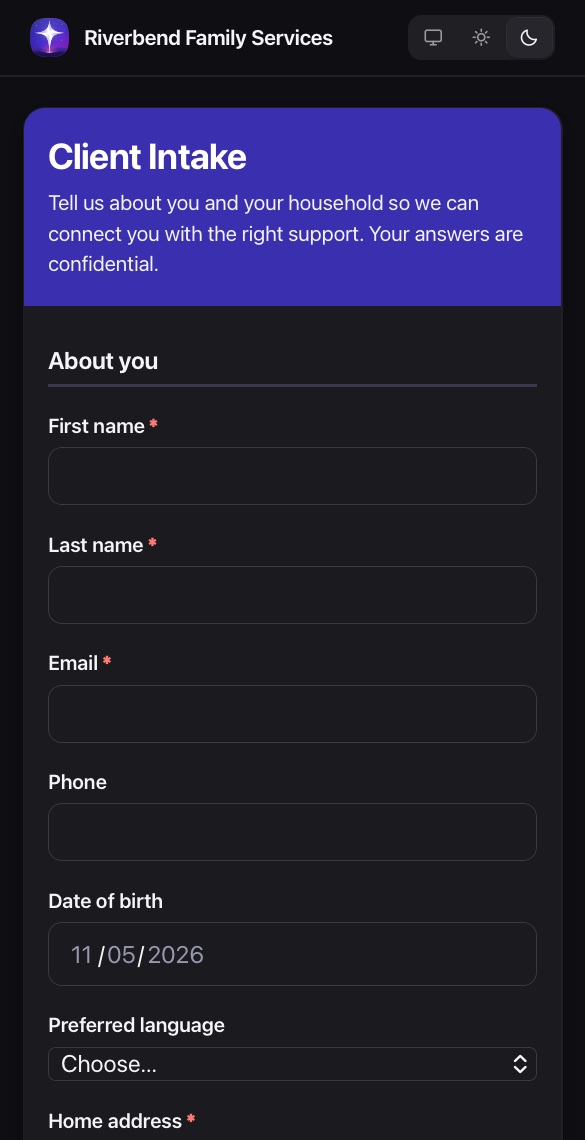
Intake, service requests, referrals, surveys, assessments and attendance all use the same builder and land in the same place.
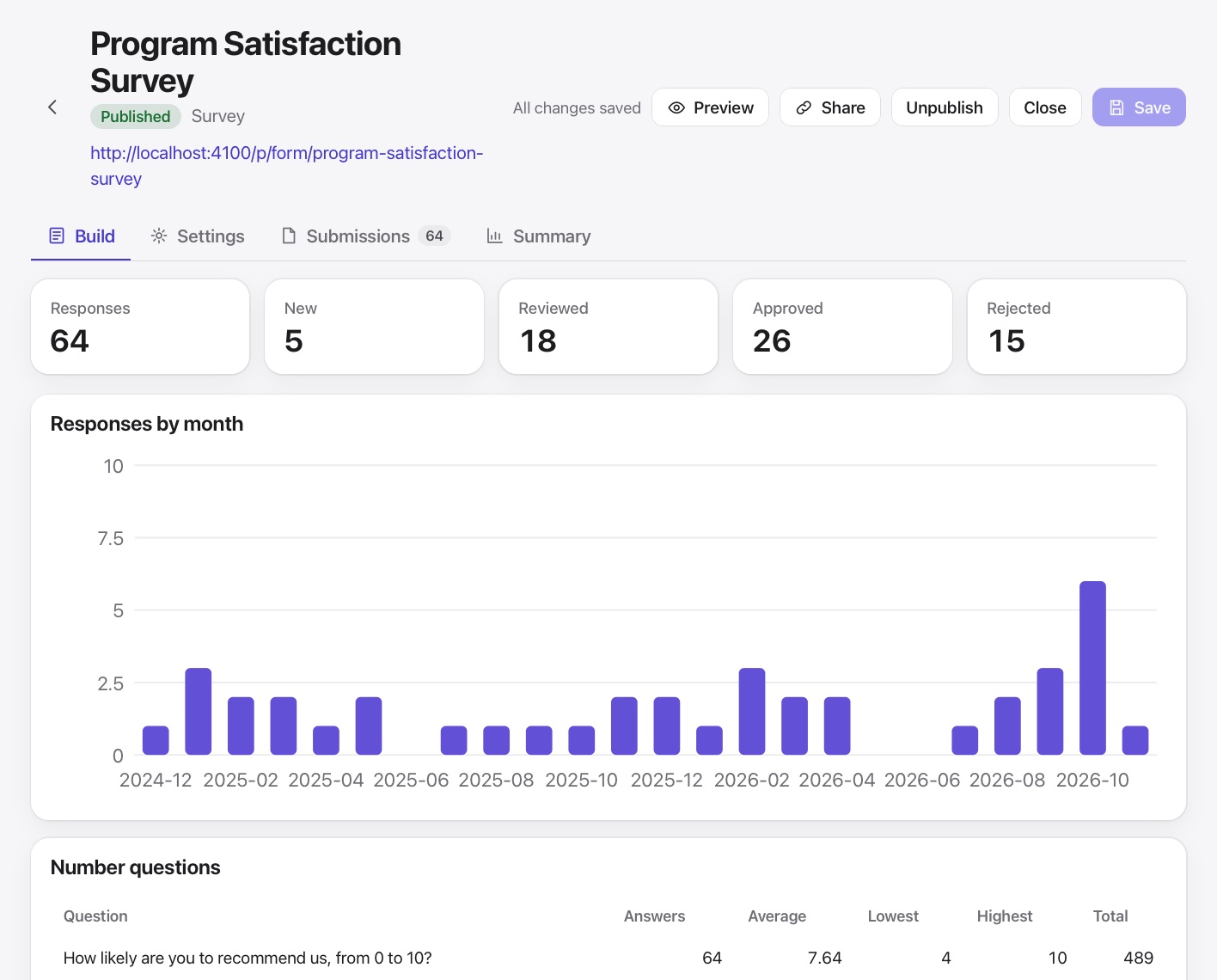
It all runs on one shared record, so nothing has to be entered twice.
No. Build as many as you need.
Yes. Submissions match existing people by email and update their record, or create a new one.
Yes. Paste one line of code and the form sizes itself to fit your page.

A real person will walk you through Missionly using the way your organization already works.