Programs & Case Management

Every client's story, in one place

Intake, services, case notes, assessments and outcomes live on one record, so your team spends less time on paperwork and more time with people.
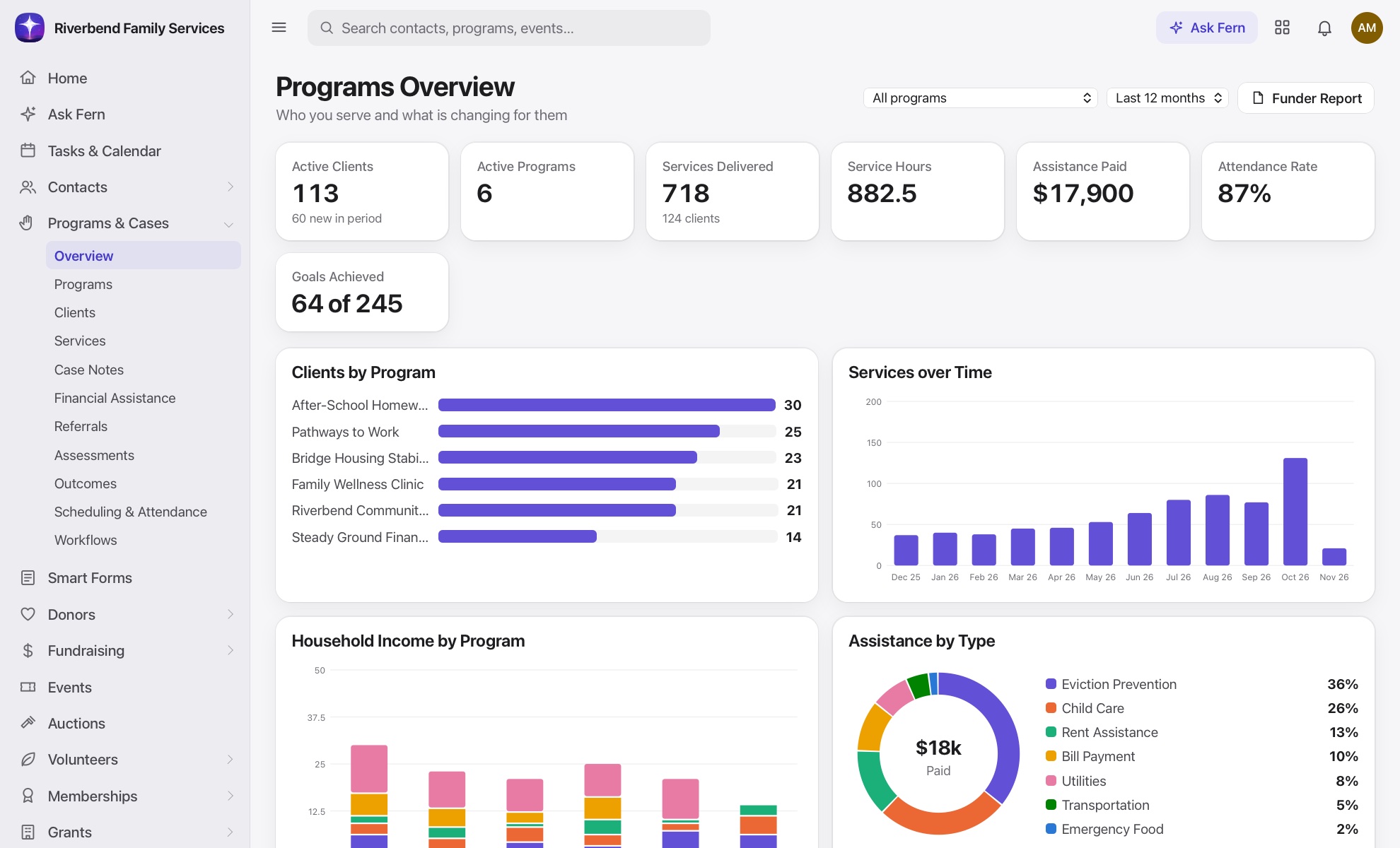
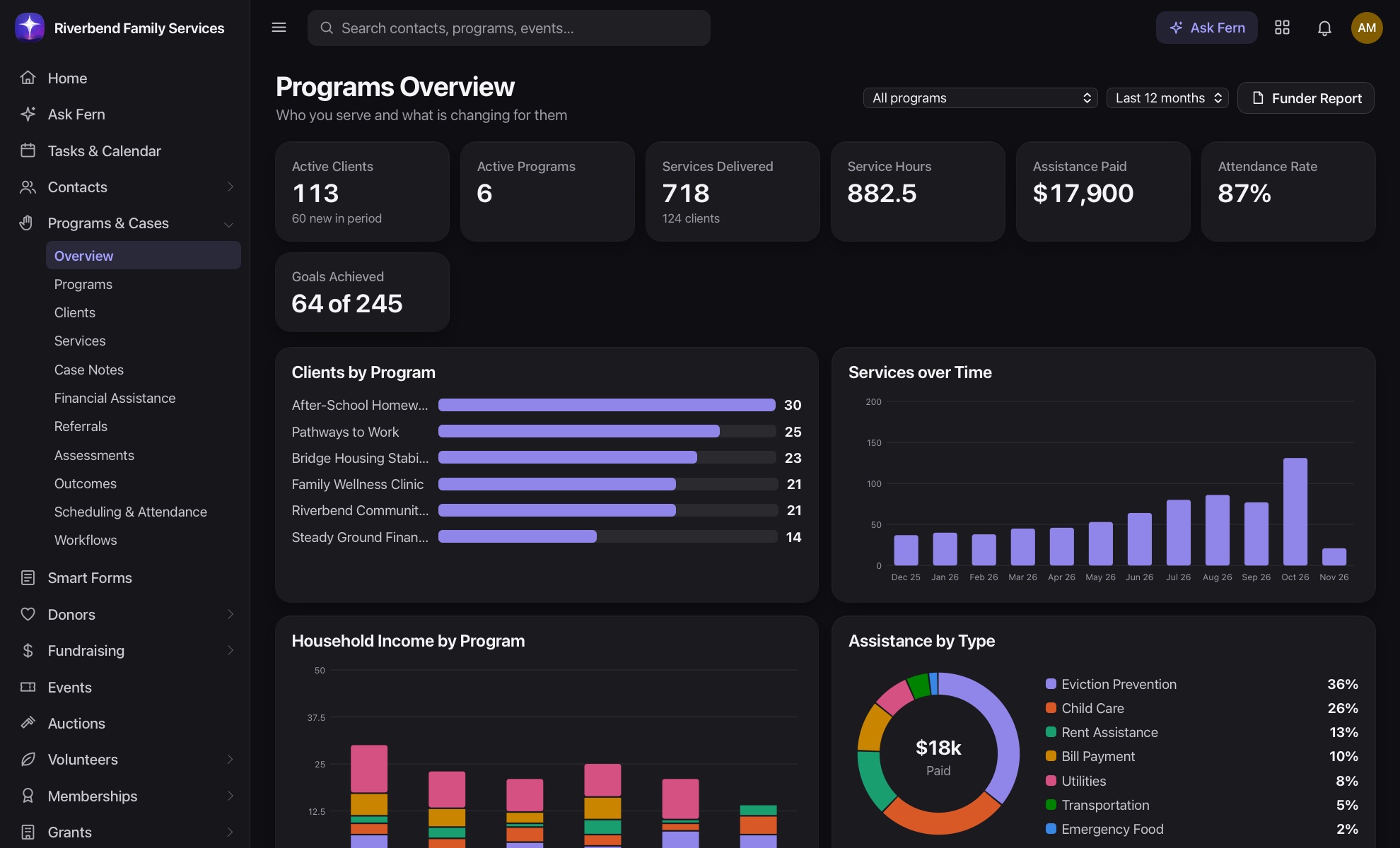
Programs overview with clients served, services delivered and outcomesPrograms overview with clients served, services delivered and outcomes

Built for the people doing the work

See the whole person

Households, services, referrals and notes sit together, so nobody has to repeat their story.

Prove what works

Assessments track progress over time and roll up into the reports funders ask for.

Protect what is private

Case workers see their own caseload, confidential notes stay confidential, and every view is logged.

From intake to exit on one record

A client fills in one form and their record is ready. From there, everything that happens to them builds on the same history.
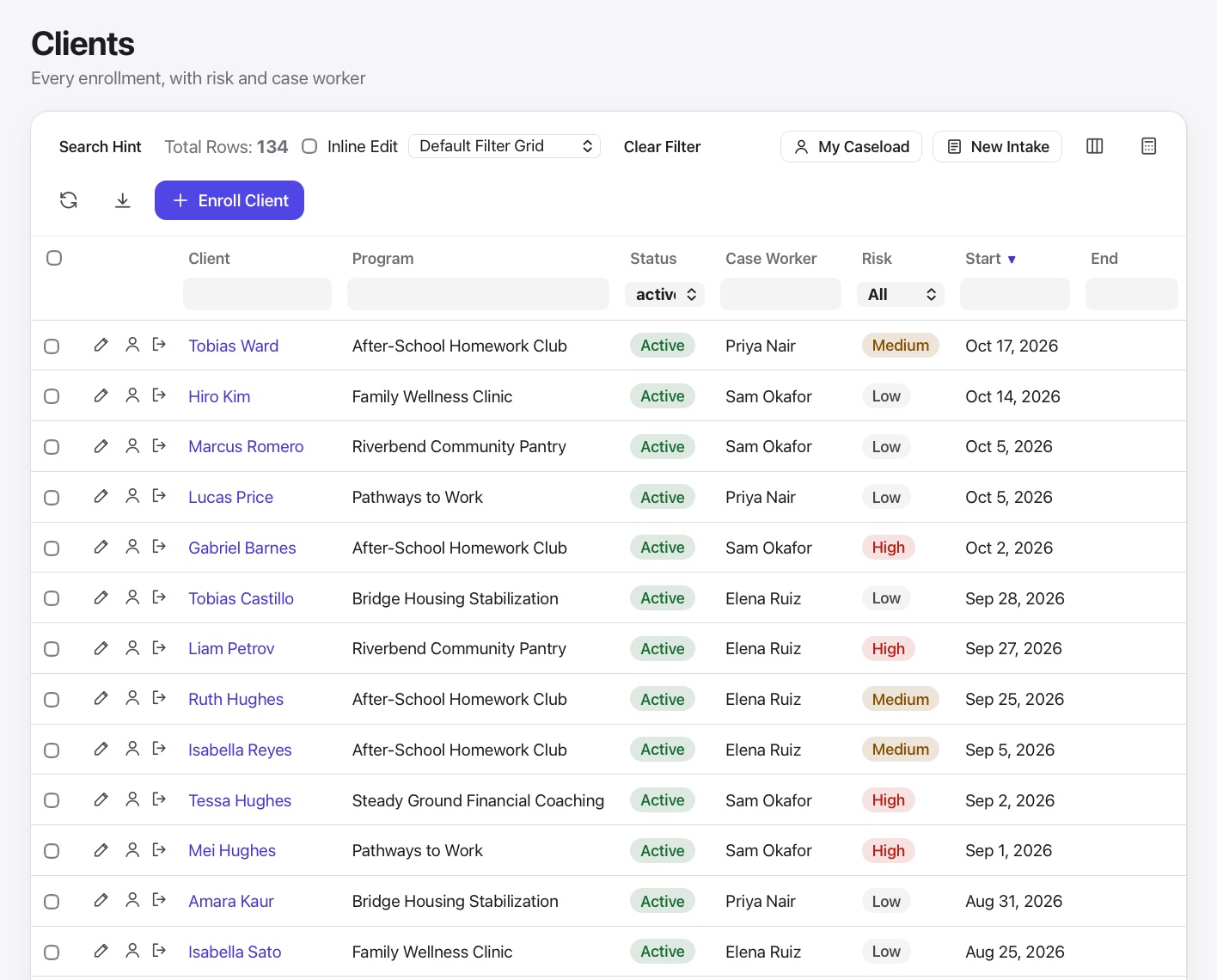
  • Intake forms create or update the client automatically
  • Whole families can be enrolled together
  • Log services with date, type, case worker and hours
  • Track financial assistance and referrals
  • Waitlists respect each program's capacity
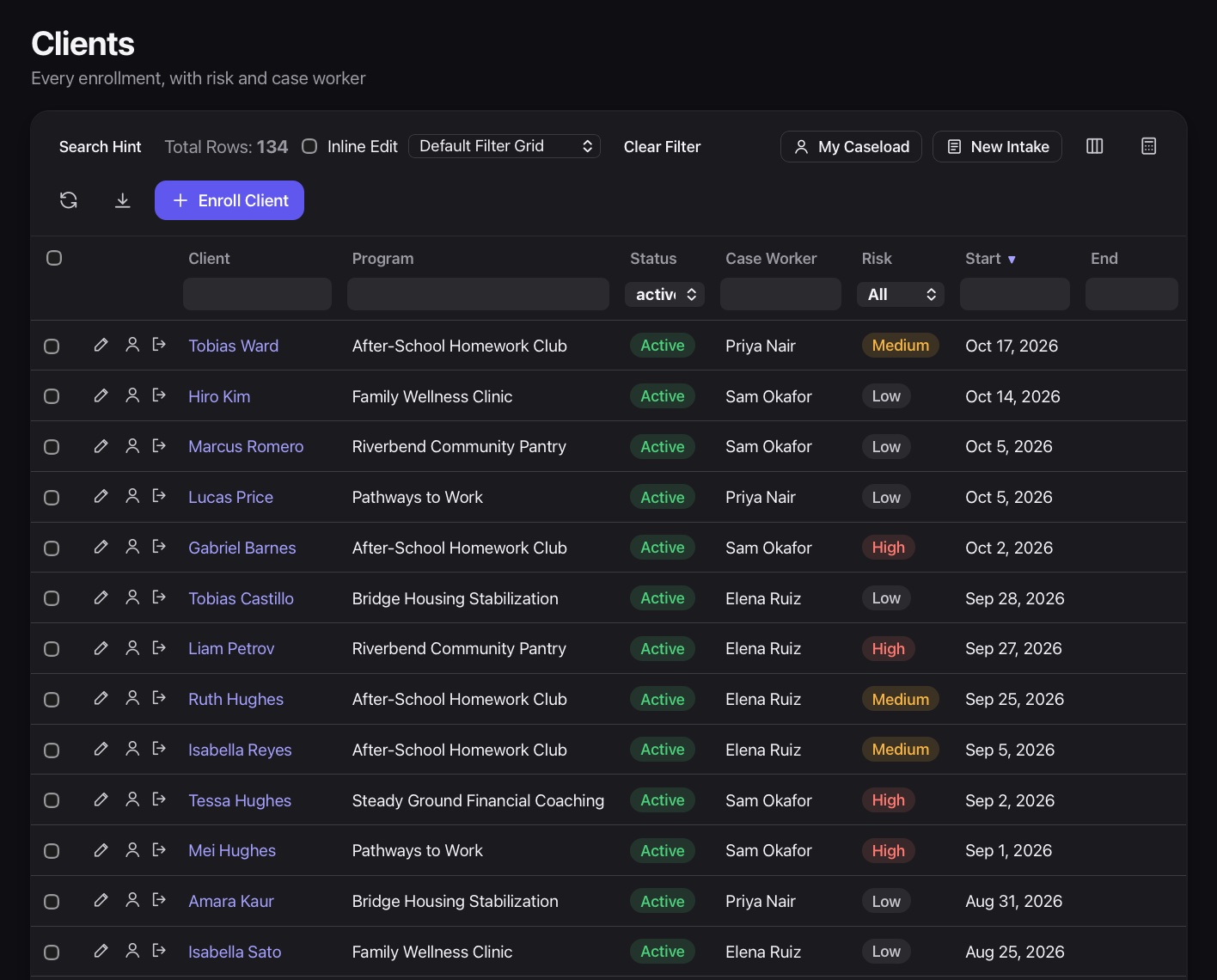
Client list with status, program and case worker columnsClient list with status, program and case worker columns

Case notes your team can trust

Notes are quick to write, easy to find and locked down by role. When someone covers a colleague, the history is already there.
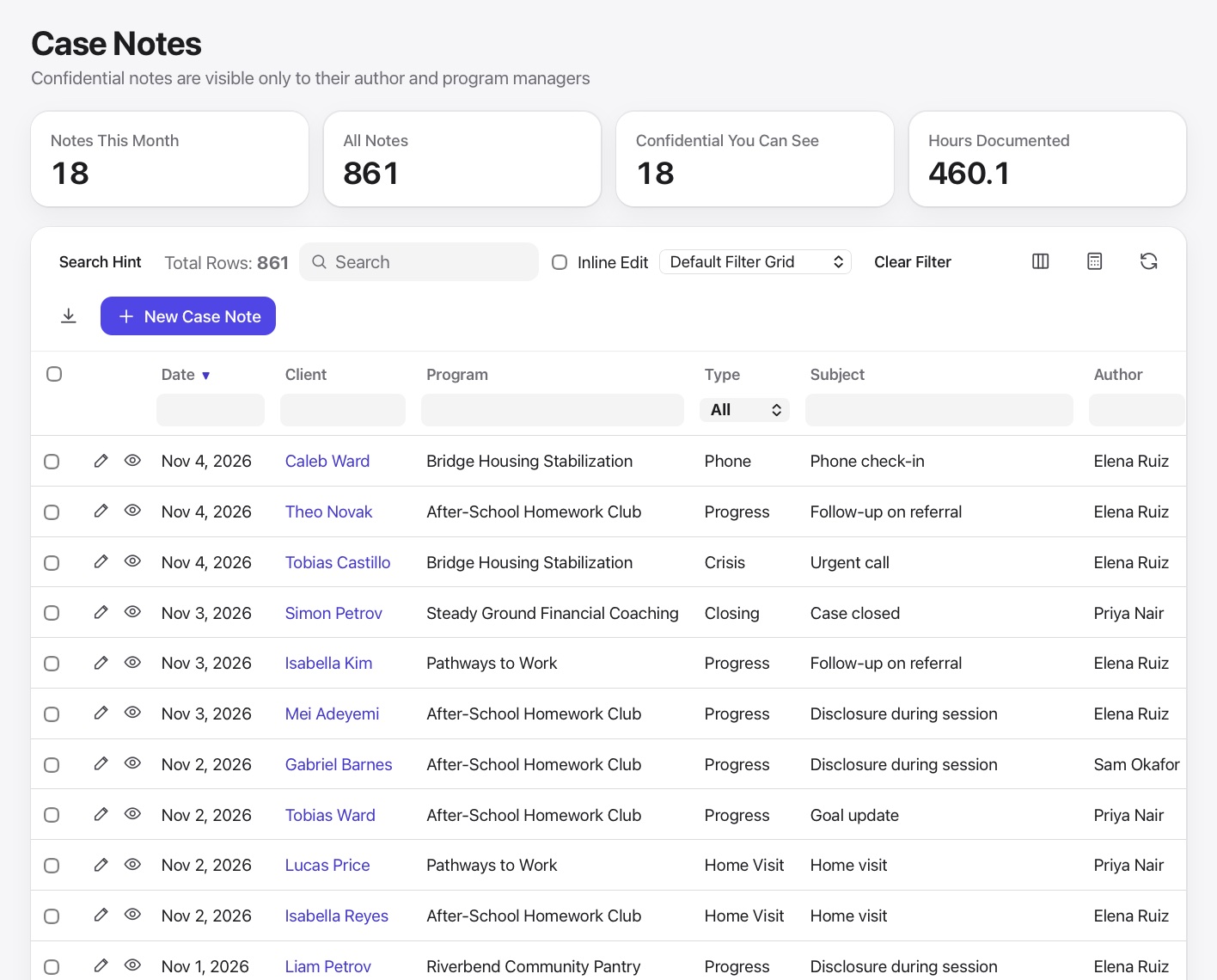
  • Mark sensitive notes confidential
  • Limit case workers to their own caseload
  • Every change is kept in record history
  • Reading a note is written to the audit log
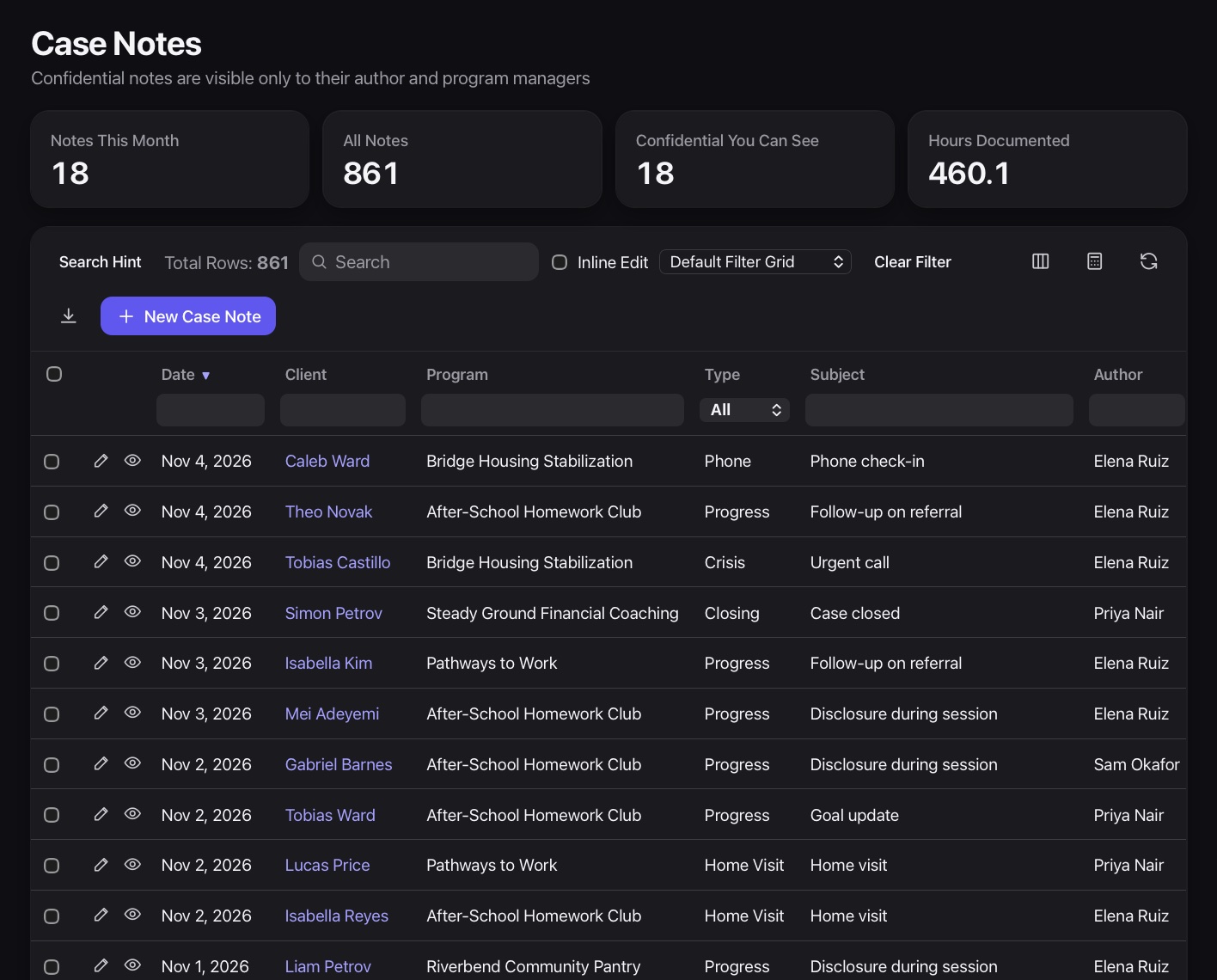
Case notes list with client, author and confidential flagsCase notes list with client, author and confidential flags

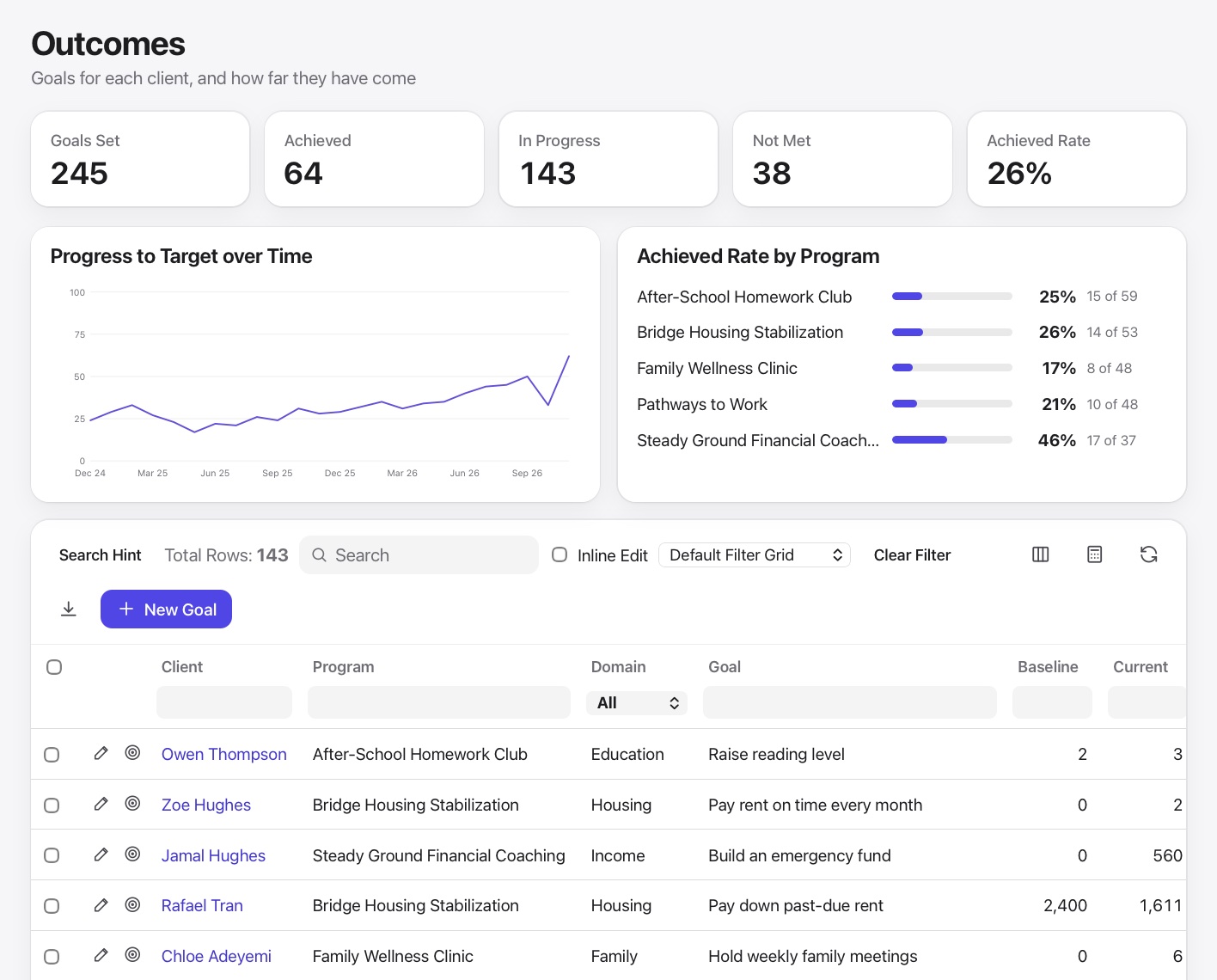
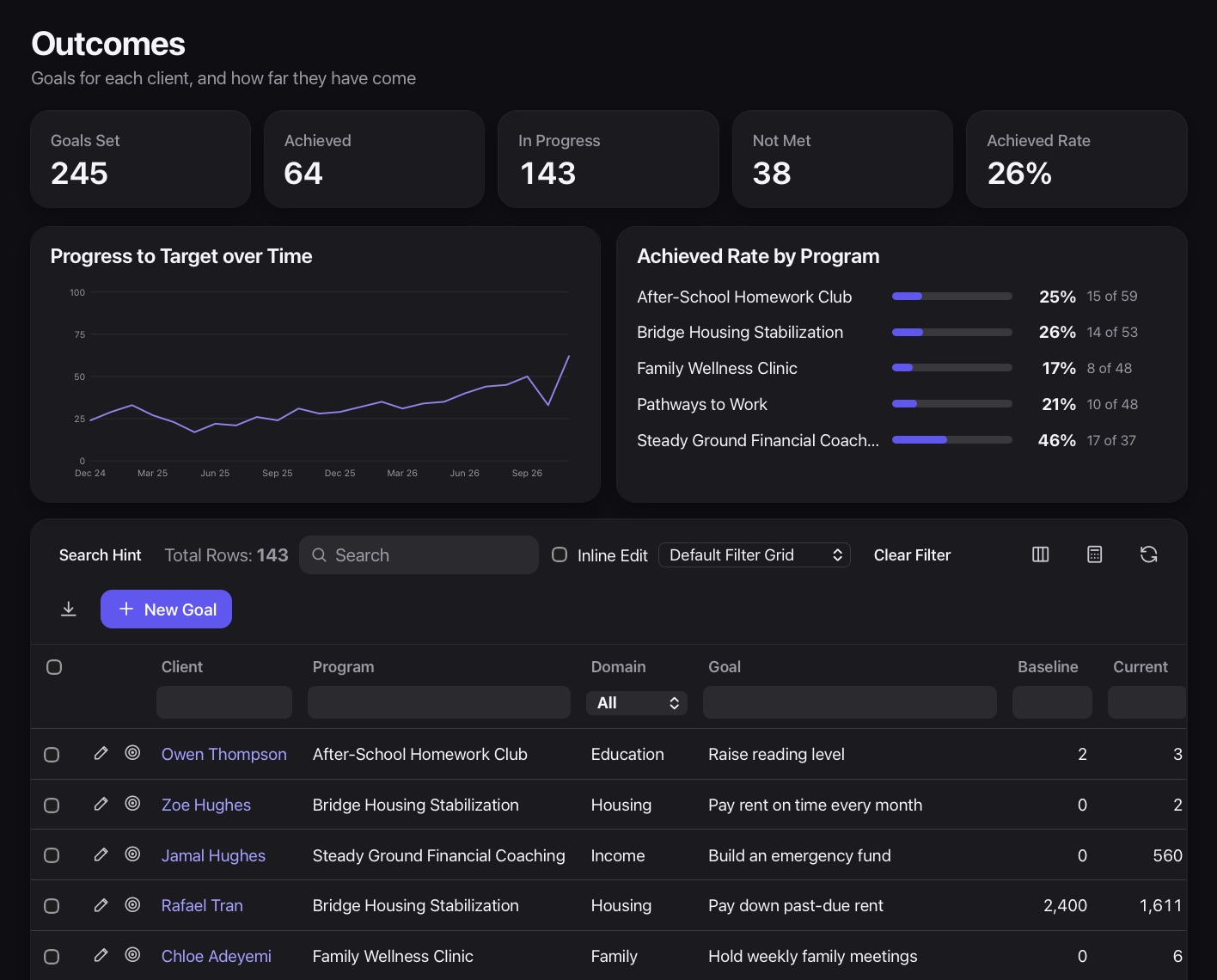
Outcomes funders can believe

Build assessments once, score them over time, and pull a funder-ready report with demographics and results whenever it is due.
  • Custom assessments with scored answers
  • Before and after comparisons by client
  • Demographic breakdowns for any date range
  • Print or export the funder report
Outcomes screen with goal and assessment resultsOutcomes screen with goal and assessment results

Sessions, attendance and a lobby kiosk

Schedule classes and appointments, take attendance, and let people check themselves in at the front desk.
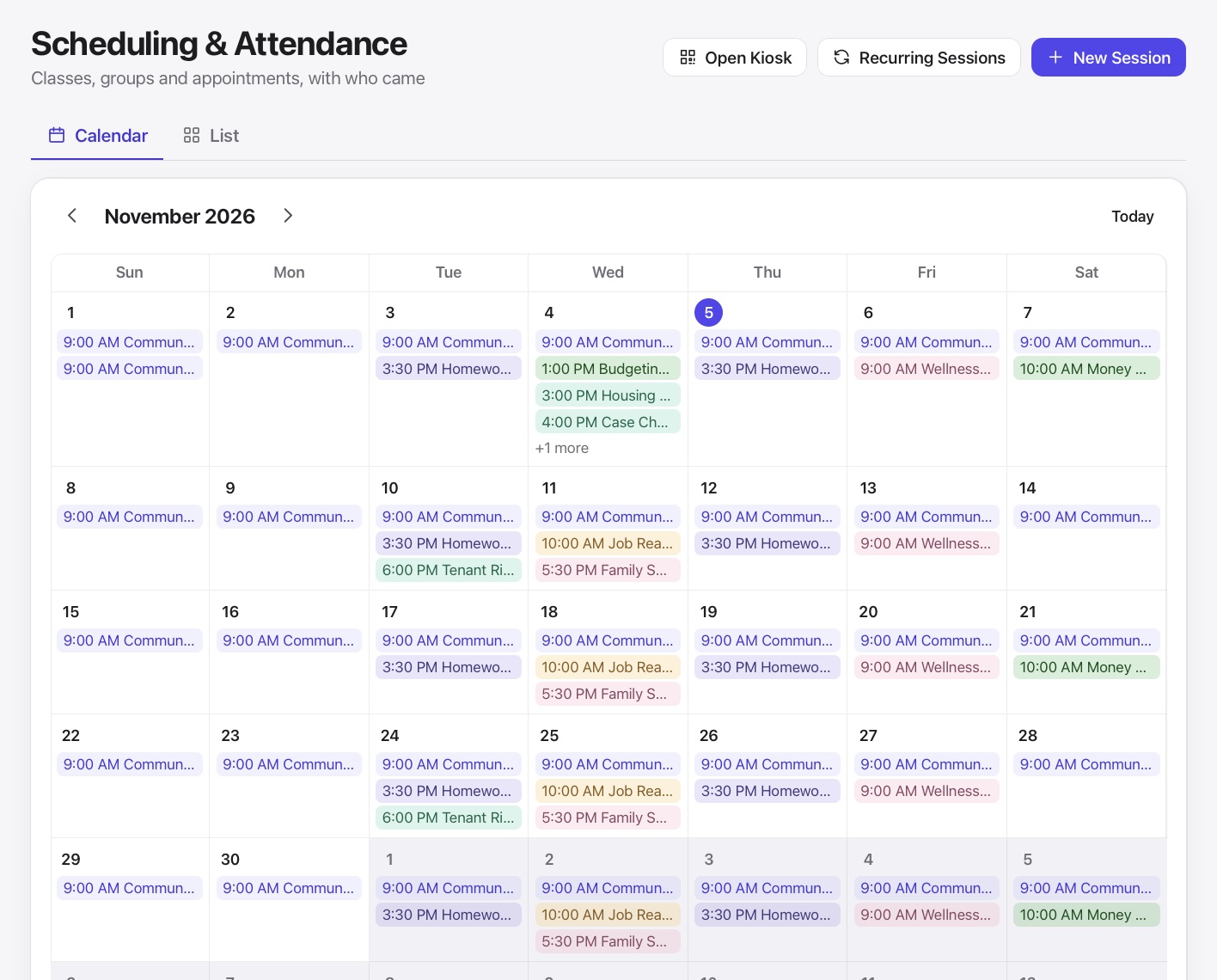
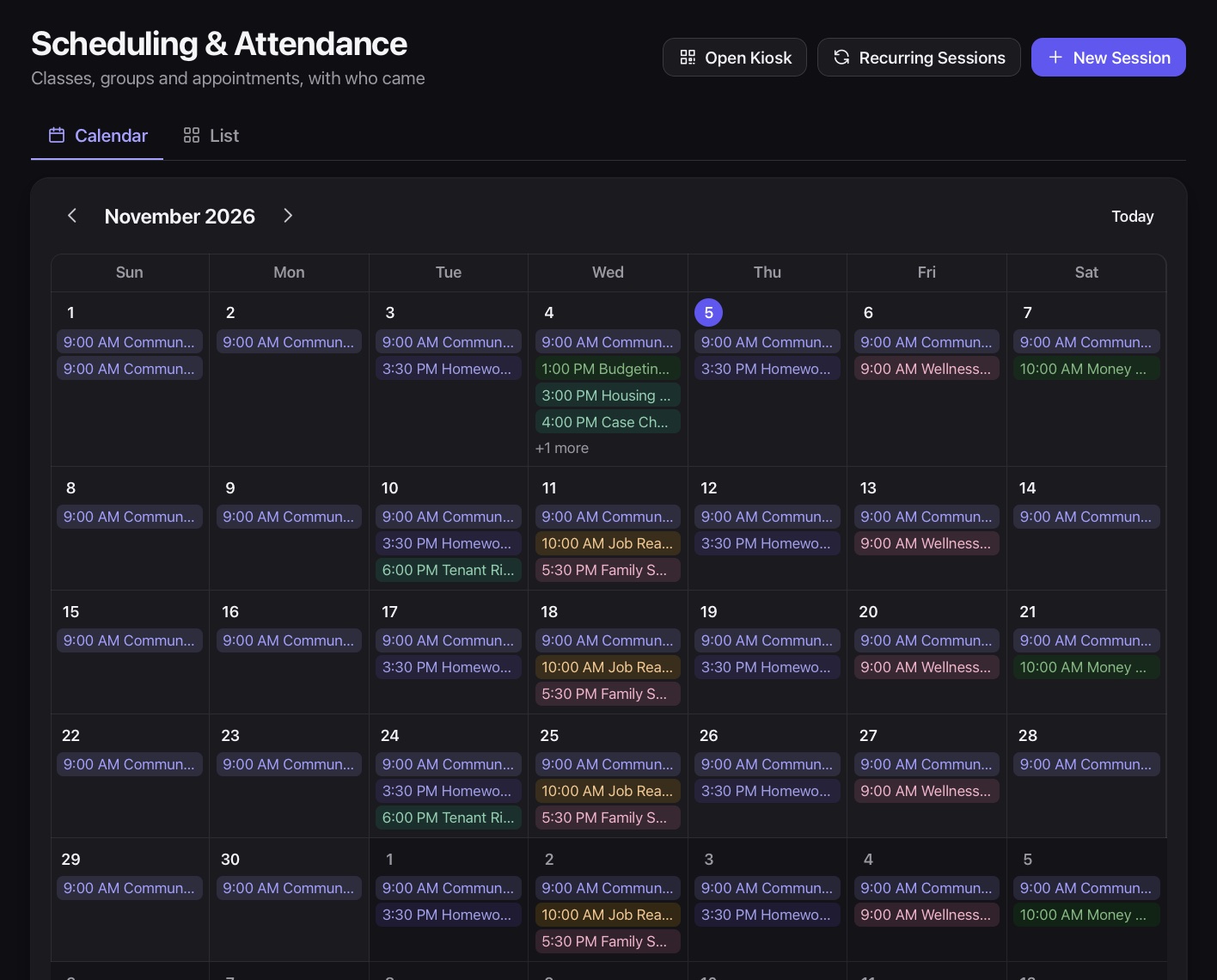
  • Program calendar with registration
  • Attendance tracked by session
  • Kiosk check-in on any tablet or phone
  • Email and text reminders
Program sessions calendarProgram sessions calendar
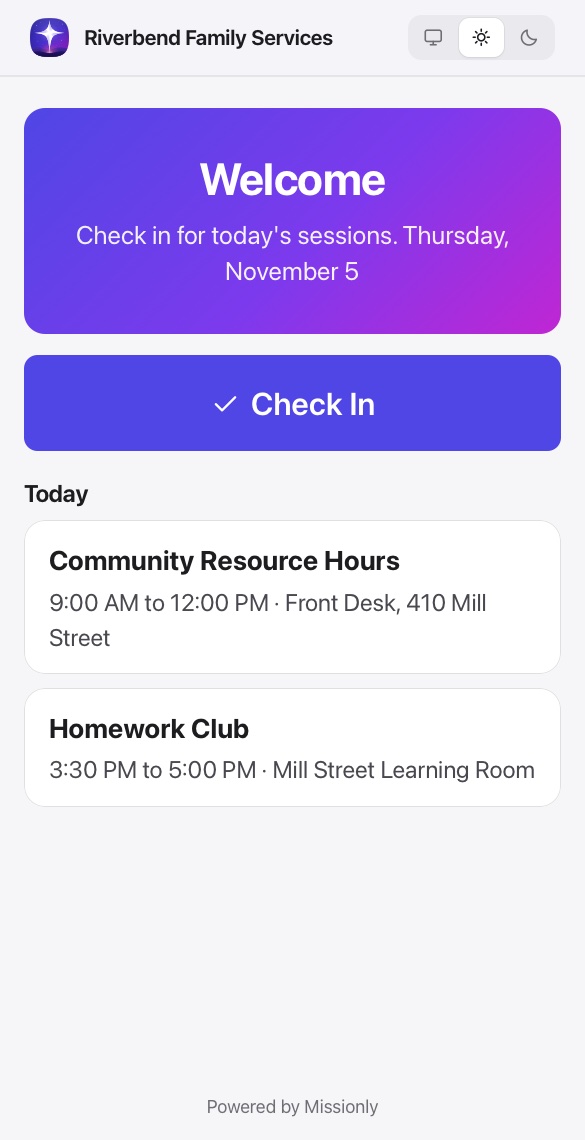
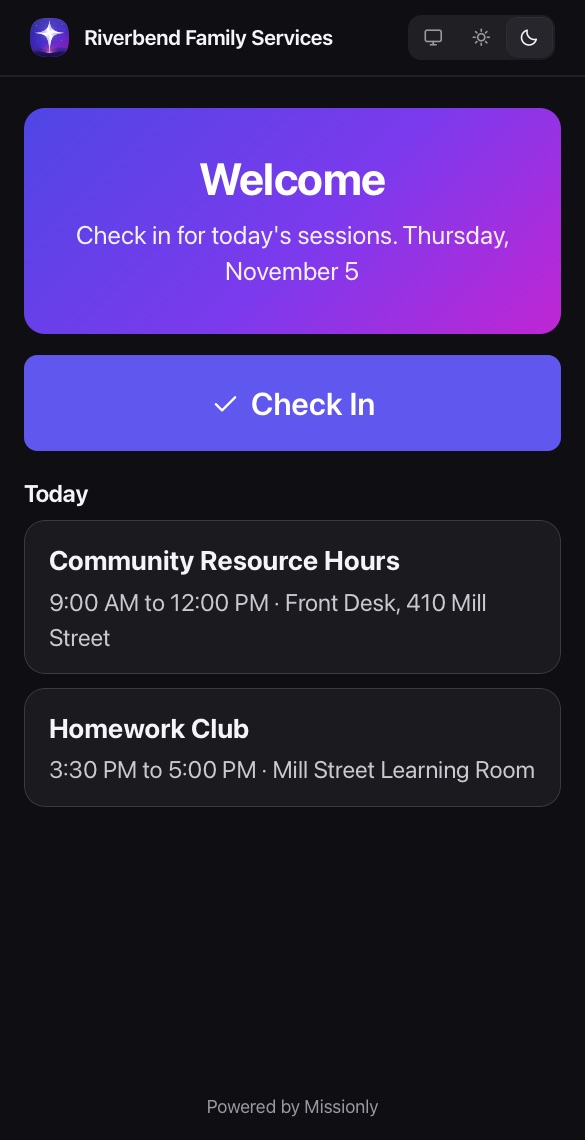
Client check-in kiosk on a phoneClient check-in kiosk on a phone

Connected to everything else

It all runs on one shared record, so nothing has to be entered twice.

Questions, answered

Can we limit what each case worker sees?

Yes. Roles set access for each module, and a caseload setting limits case workers to the clients assigned to them, including in search and in Fern.

Can clients check themselves in?

Yes. The kiosk runs in a browser on any tablet or phone. Clients find their session and check in without seeing anyone else's details.

Can we match our own intake process?

Yes. Intake is a Smart Form you design, with conditional questions, signatures and document uploads.

See it with your own workflows

A real person will walk you through Missionly using the way your organization already works.