Plain language
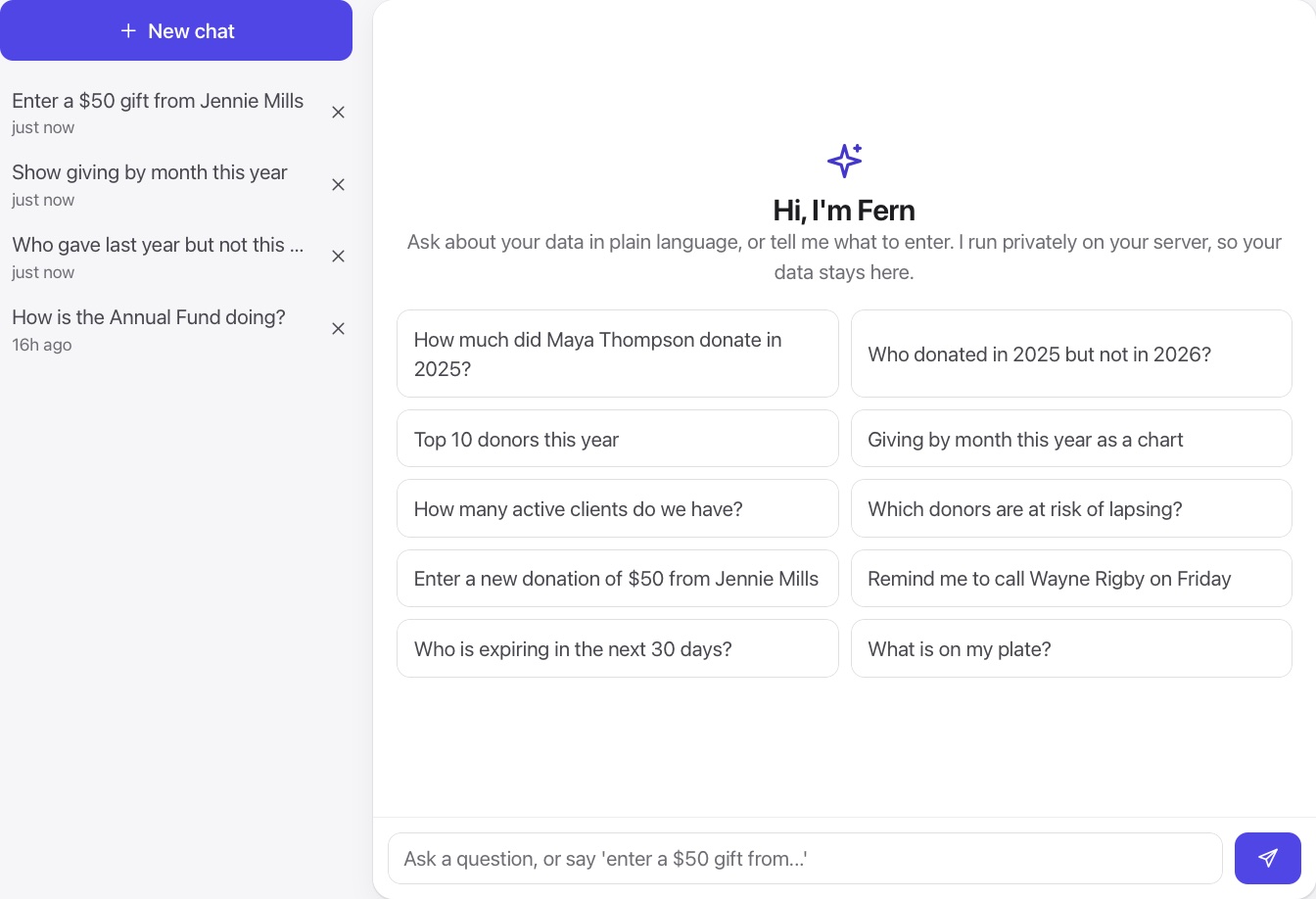
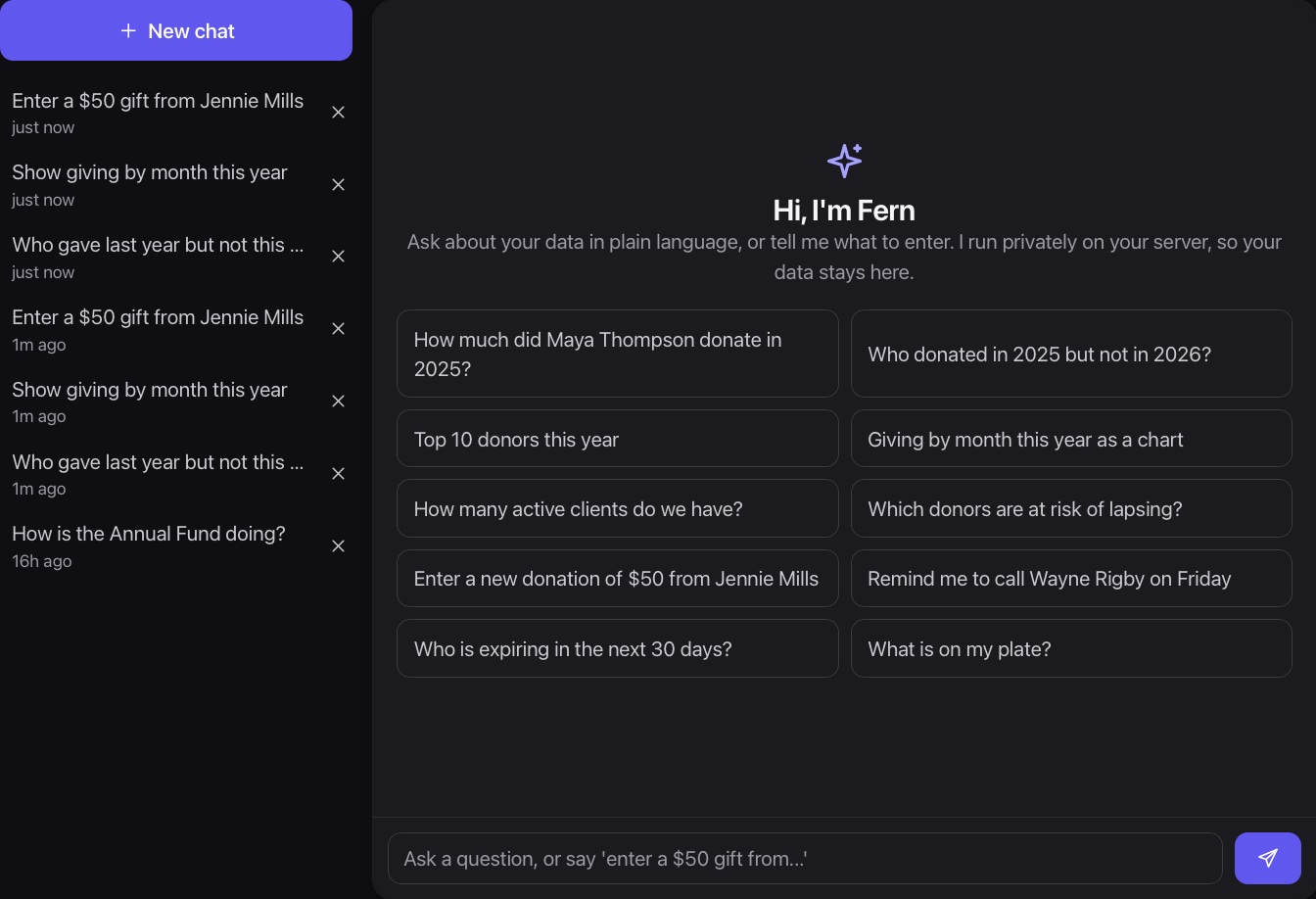
Ask the way you would ask a colleague. No query builders or report menus.
Fern answers questions about your data, builds charts, and enters records when you ask, always checking with you before anything saves.
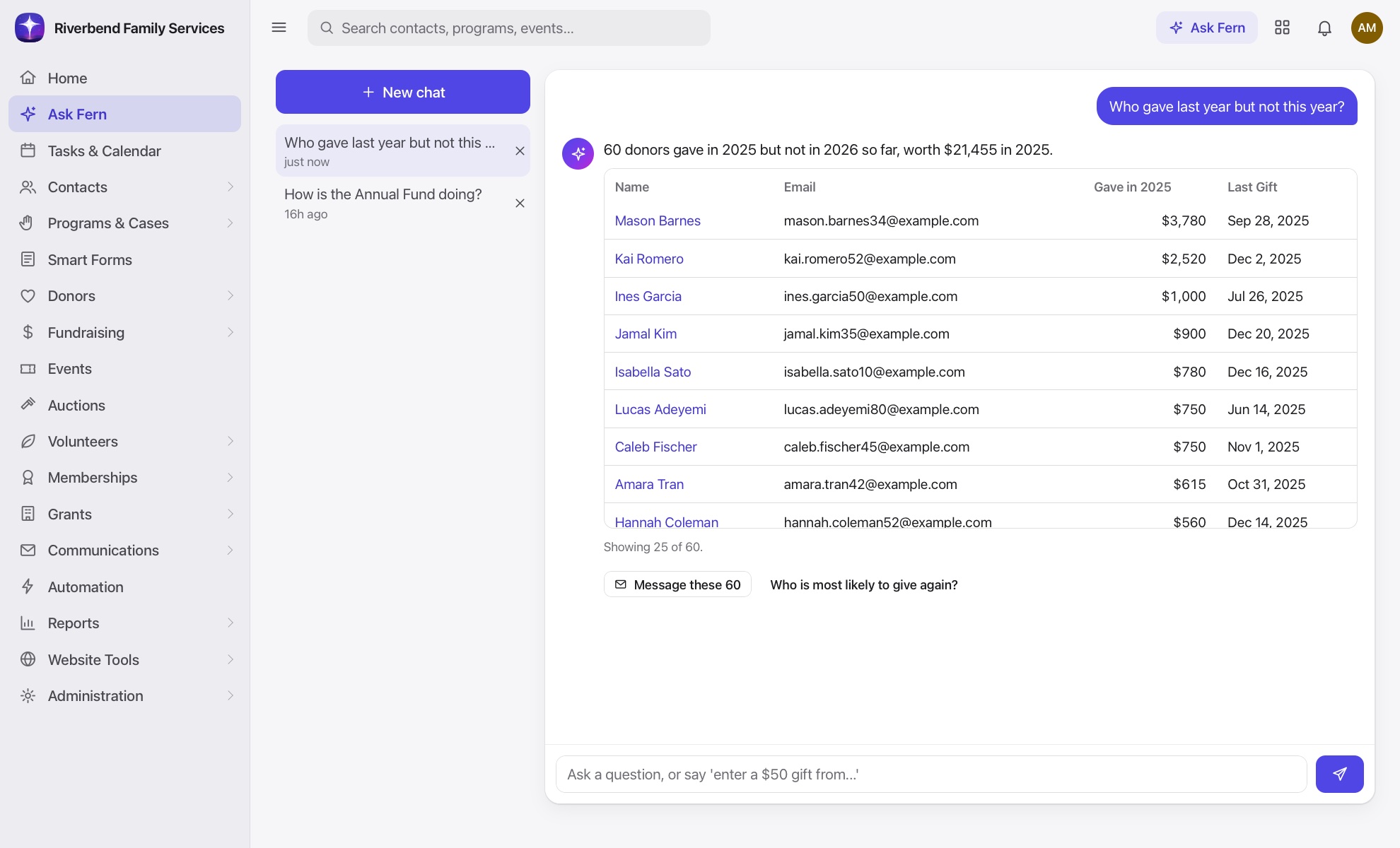
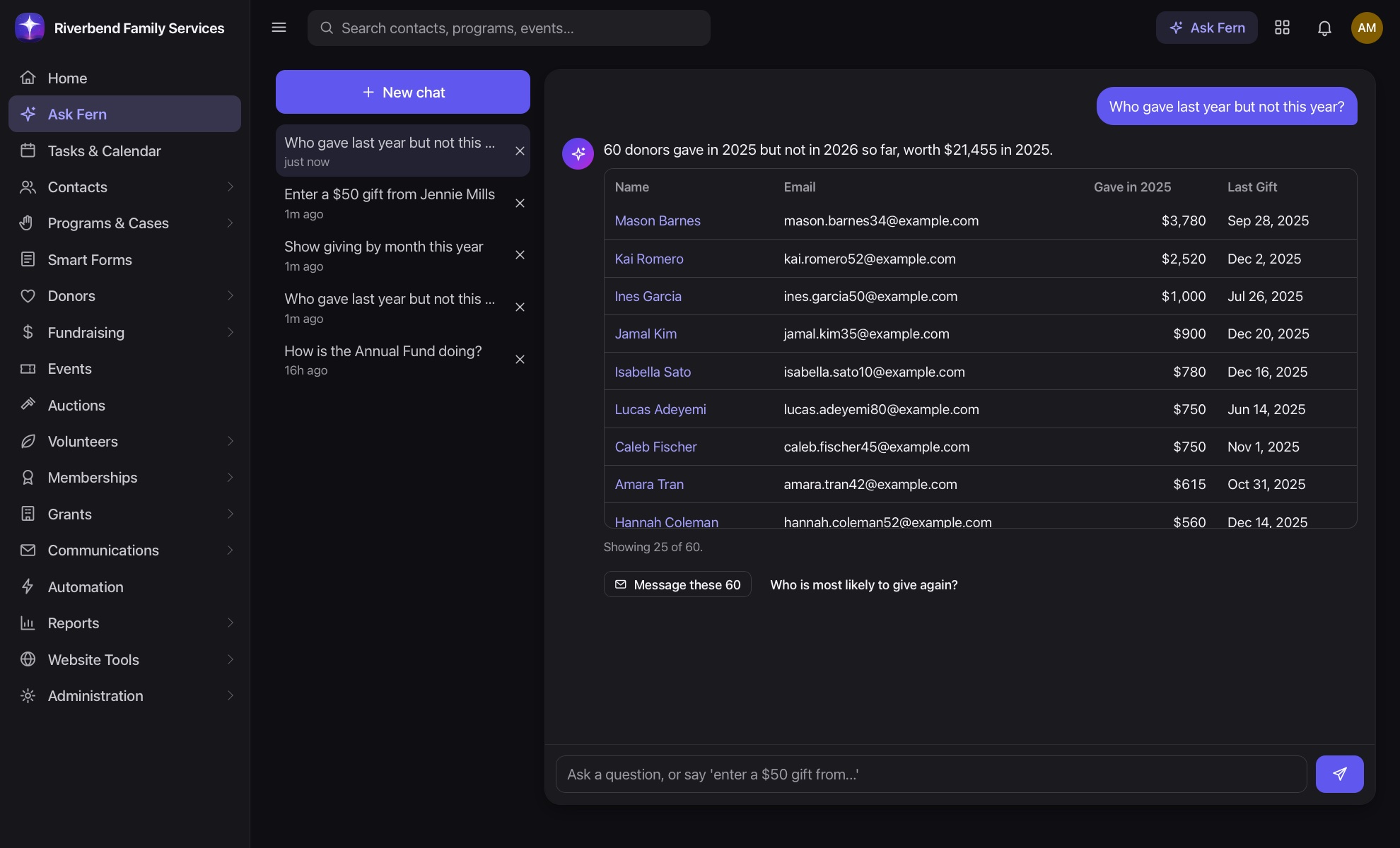
Ask the way you would ask a colleague. No query builders or report menus.
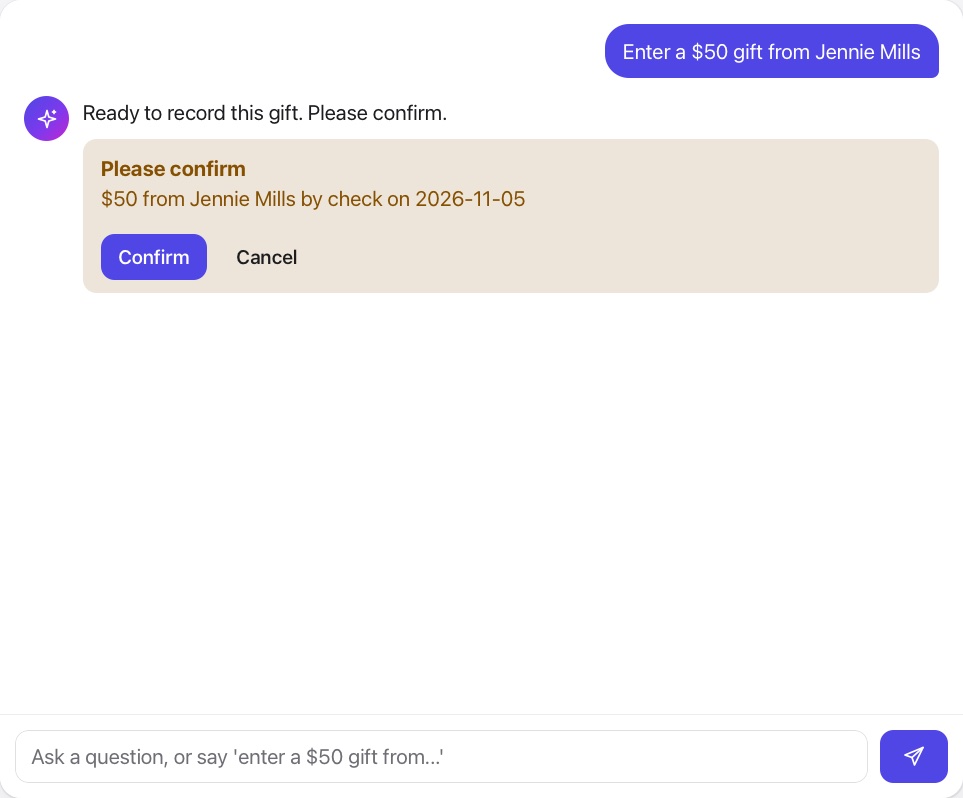
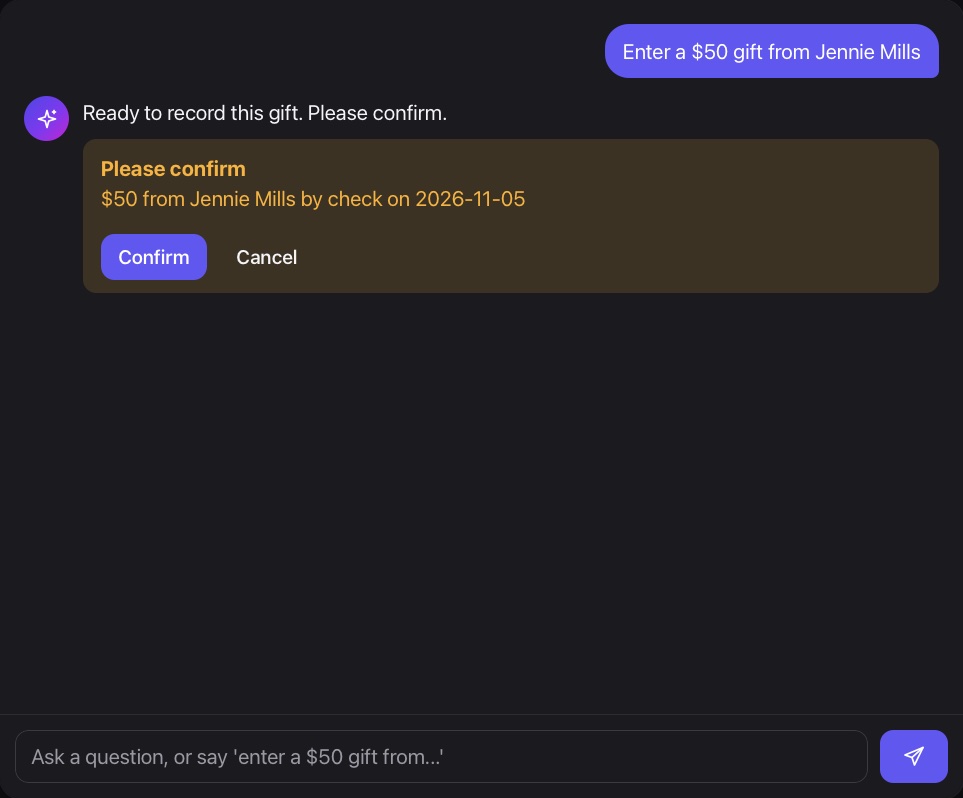
Fern proposes changes and waits for your okay before saving anything.
Fern only sees what the person asking is allowed to see.
Ask who gave last year but not this year, how the annual fund is doing, or which programs are growing. Fern answers with the numbers and a chart.
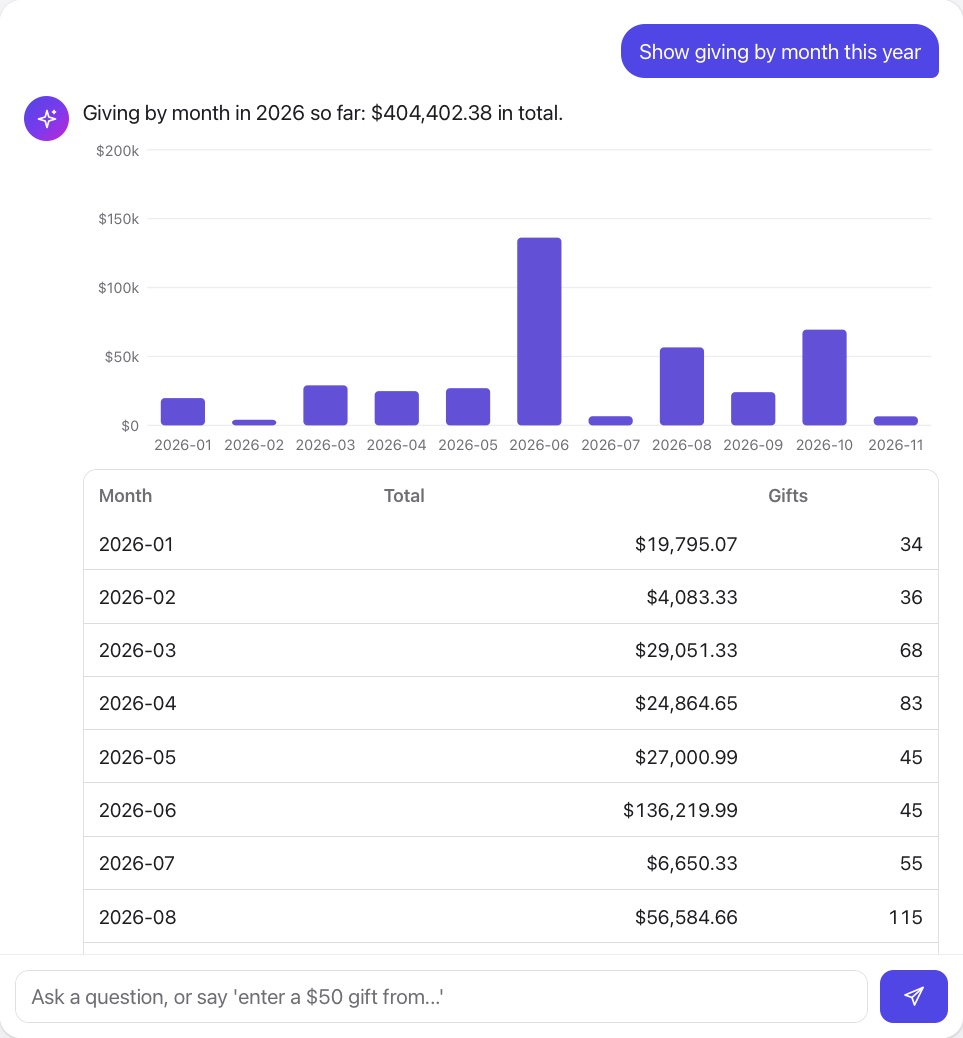
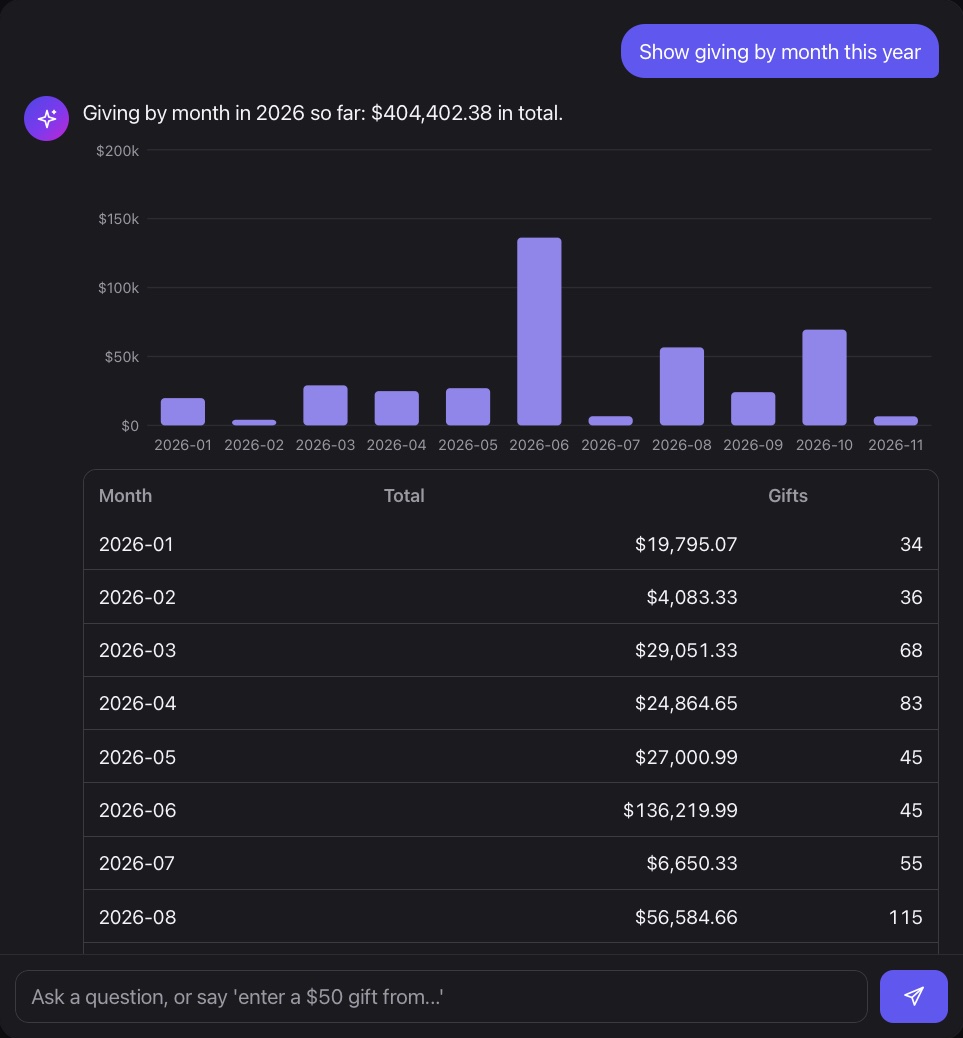
Tell Fern to record a gift, add a note or create a task. It shows you exactly what it will do, and you confirm.
Fern's built-in engine runs on your own server, so your data does not leave it. Connecting a larger AI model is optional and off by default.
It all runs on one shared record, so nothing has to be entered twice.
Not by default. Its built-in engine runs on your own server. If you choose to connect Claude, questions go to that service, and you can turn it off at any time.
No. It prepares the change and shows it to you first. Nothing saves until you confirm.
It sees only what the person asking can see, including caseload limits.

A real person will walk you through Missionly using the way your organization already works.